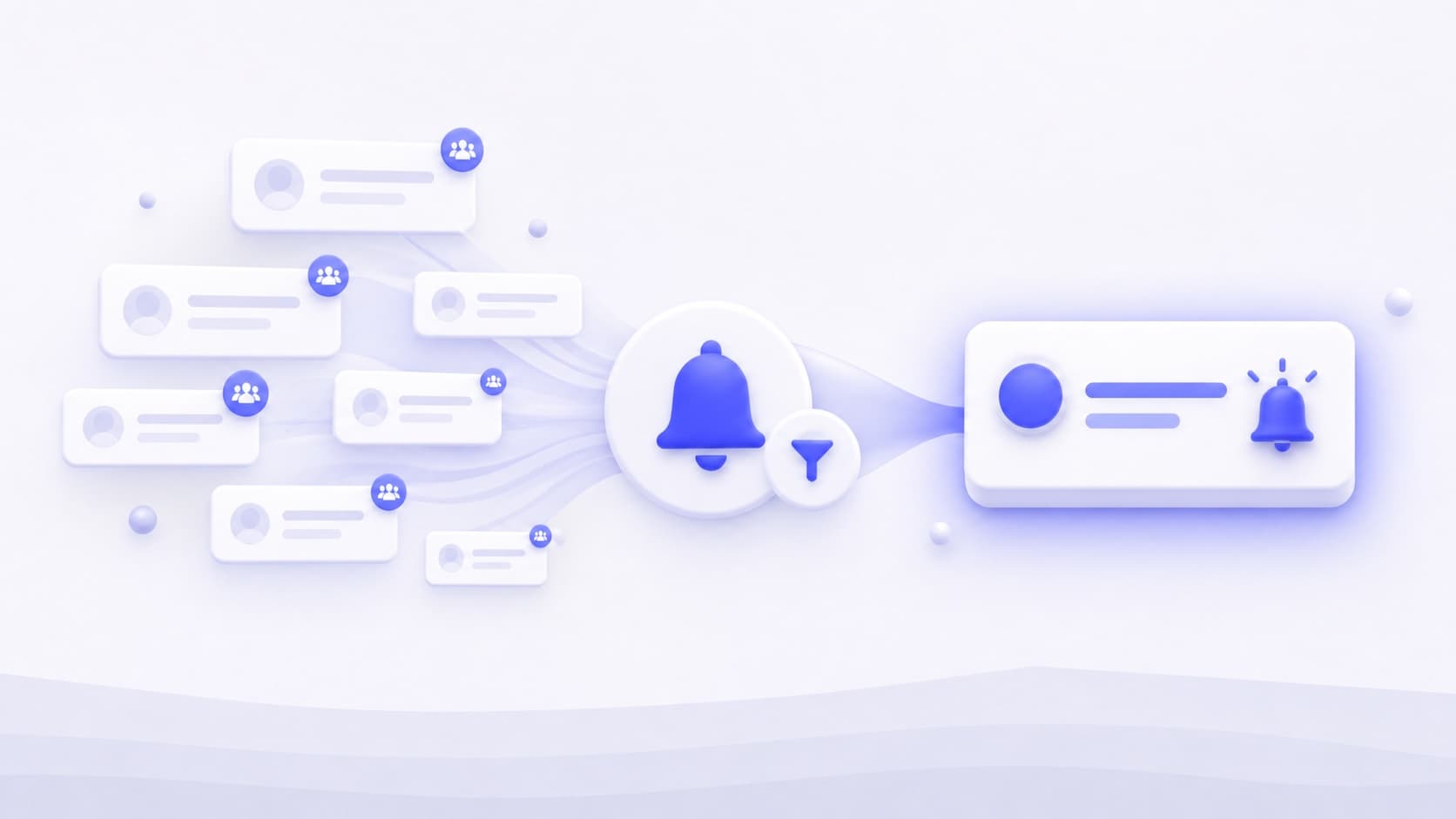
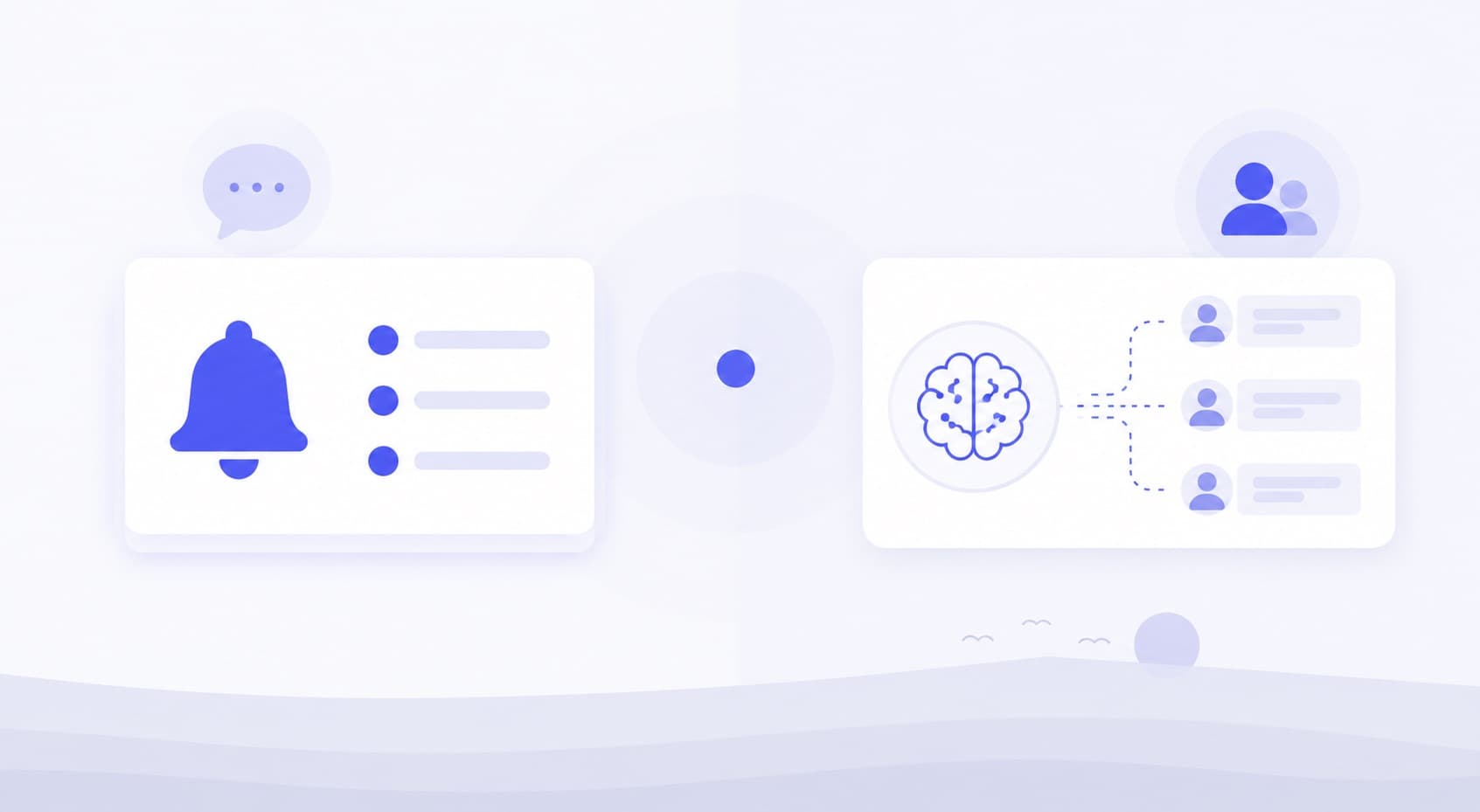
Routing a Facebook group match to the place your team already checks can reduce the time spent looking for alerts. It does not remove the delay before a scheduled scan discovers the post, and it does not guarantee a sale to whoever replies first.
This guide describes supported Find Prospects Now notifications and webhook behavior. Review matches and respond personally; the product does not automatically comment or message anyone.
Measure time to a useful reply
Separate post publication, discovery, delivery and your reply. For example, a 10:05 post discovered at 11:00 is already 55 minutes old before delivery. That illustrative timeline explains why a fast webhook is not the same as instant monitoring.
No universal five-minute conversion rule or first-reply win rate is established here. Your objective is a relevant, accurate answer while the request is still active. Use the local service playbook to define relevance.
General notifications and keyword matches serve different needs
Facebook group notifications depend on your settings and platform delivery. Find Prospects Now checks selected accessible posts against keywords or Pro AI criteria. Neither workflow promises every relevant post or guaranteed notification timing.
The notification guide explains device settings, notification channels and practical limits.
Follow the actual scan-to-alert workflow
- The extension scans selected groups visible to your active Facebook account.
- Keyword rules and optional Pro AI criteria identify potential matches.
- Results become available for review and configured local notifications or webhooks can alert you.
- Your receiving workflow assigns review, deduplicates requests and records an agreed next step.
Chrome must run on an awake computer with an active Facebook session. Scheduled scans use a one- to six-hour interval; the web dashboard does not perform scans while Chrome is closed. Use the setup guide to check your connected account and scan settings.
Configure local Chrome notifications
Enable the product's notification settings and allow Chrome notifications in your operating system. Check Do Not Disturb settings and review the scan status if expected alerts do not appear. Test the setup during your normal operating hours.
These are local browser notifications. For team or mobile review, use a configured receiving service such as Slack or Discord, then check that service's notifications separately. Avoid describing that downstream setup as a native Find Prospects Now mobile push service.
Use the supported JSON payload fields
The generic JSON webhook uses a scan_completed event with a leads array. Slack and Discord destinations receive channel-specific formatting. The following is an abridged, illustrative generic payload, not a real customer post:
{
  "schema_version": 1,
  "event_id": "example-event-id",
  "event": "scan_completed",
  "timestamp": "2026-10-12T11:00:00Z",
  "scan_id": "example-scan-id",
  "summary": {
    "total_matches": 1,
    "total_processed": 20,
    "groups_scanned": 1,
    "scan_type": "scheduled",
    "truncated_leads": 0
  },
  "leads": [
    {
      "post_id": "example-post-id",
      "group_name": "Example neighborhood",
      "author": "Example requester",
      "text": "Can anyone recommend a plumber?",
      "url": "https://www.facebook.com/groups/example/posts/example",
      "created_at": "2026-10-12T10:05:00Z",
      "matched_keywords": [
        "plumber"
      ],
      "match_type": "keyword",
      "ai_classified": false,
      "ai_match": false,
      "ai_label": null
    }
  ]
}
Iterate over leads, not an invented post object. Use event_id for event deduplication and the post identifier or URL for your request record. A delivery retry should not create duplicate CRM entries. Do not expect a numeric intent score or urgency field in this payload.
Route matches to Slack, Discord or your own receiver
Choose the destination type and configure its endpoint in the product's webhook settings. Plus allows one destination and Pro allows five. Use the test function to verify formatting and receipt before relying on the channel.
A generic JSON receiver can be an automation platform or your own endpoint. Zapier, n8n and CRM workflows require you to configure the receiving trigger, map the actual fields, handle duplicates and confirm platform fees. This is webhook connectivity, not a built-in connector to every CRM.
Keep endpoint URLs and signing secrets private. Send only the information your team needs to review the request, and consider who can see the receiving channel. Read the privacy policy for temporary payload storage and delivery records.
Assign one reviewer and check the original thread
Give each request an owner. Open the Facebook post, check updates and group rules, confirm service fit and write one useful response. A notification is not permission for repeated unsolicited messages.
Use reply templates to ask a scope question or offer an agreed next step. If several groups contain the same request, avoid multiple identical replies.
Measure discovery, review and confirmed outcomes
Record publication time when known, webhook receipt time, review time, reply time, qualification and the outcome. Keep unknown publication times distinct from measured latency. Compare medians and slow cases instead of selecting the fastest example.
Count conversations, quotes and booked work separately. Use keyword templates to reduce unsuitable matches and keywords vs AI to choose matching rules.
Common webhook questions
Are alerts guaranteed immediately after publication? No. Discovery depends on scans and operating conditions; delivery also depends on the receiver.
Can a webhook reply to the author? Find Prospects Now does not comment or message on your behalf. Keep your receiving workflow focused on review and permitted follow-up.
Does a successful test prove production delivery? It verifies the test path. Check actual scan results and the receiving channel separately.
Product and receiving-platform references
Reviewed on 12 October 2026: Find Prospects Now FAQ, plan allowances and scan access requirements. Receiving-platform references: Slack incoming webhooks and Discord webhook documentation.